Troubleshooting
If something fails
ऐप या फेस मैच न चले तो
Last reviewed: 11 November 2026
What is going wrong?
Tick what applies. The notes stay on this page. Nothing is uploaded, and this is not a check of your enrolment.
Enrol and support stay on digiyatrafoundation.com. This page will not ask for a selfie, an Aadhaar number, or a one-time password.
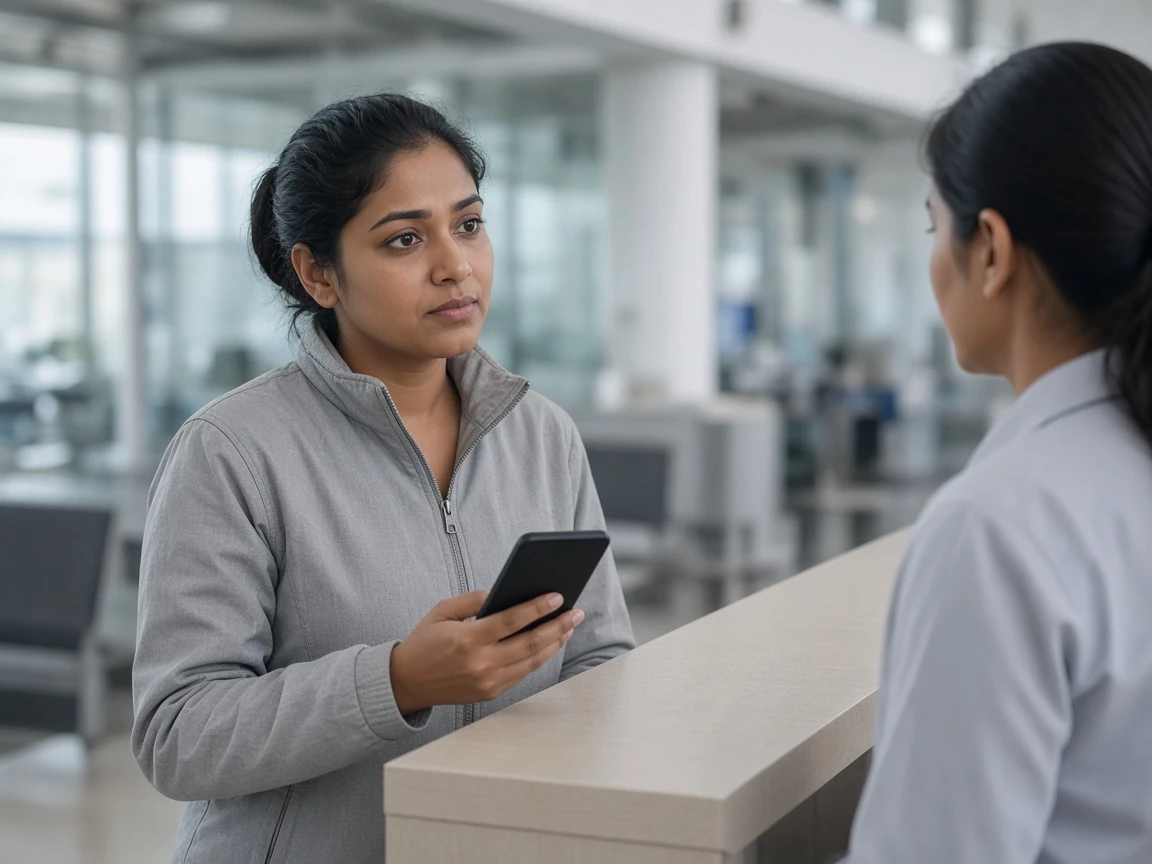
The checklist is a reading aid. It is not official support, and it cannot look inside your phone.
If the app will not open, install it again only from the DigiYatra Foundation. If a face match fails at a gate, move to the staffed counter. PIB’s 1 November 2026 note on the international trial says the programme does not replace airline checks, immigration, or the documents you already carry. The same caution applies wherever a match fails: the credential is an extra path, not a substitute for the existing one.
Nothing here asks for a selfie. Do not send a face photo to a stranger who offers to “re-verify” you.
Related pages
How to register
Enrol in the official DigiYatra app, including the driving-licence path through DigiLocker. This site does not collect Aadhaar or a face photo.
At the airport
At airports where the equipment is installed, DigiYatra is used at entry, the security hold area and boarding gates. Documents still travel with you.
Privacy and your data
Official wording: no central storage of passenger PII, sharing only with the origin airport, and a purge within 24 hours of departure.
Frequently asked questions
The face match failed. Can I still fly?
The official description says DigiYatra does not replace existing checks. Use the usual counter and keep your travel documents. A failed match on its own is not described as a reason you cannot travel.
Can this page see my registration?
No. It does not connect to the app, and it will not say your registration is valid.
Someone asked me for an OTP to fix DigiYatra.
Do not send a code to a website or a caller. The pages used here do not describe an OTP repair step. Use only digiyatrafoundation.com.